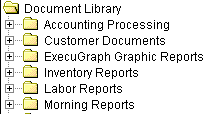
DataTrak installs with all external user documents already set up. However, you will still need to create a document group for external user documents. The Document Group provides you with a method of organizing documents. Each Document group corresponds to a folder in the Document Library tree:
Notice the "Customer Documents" document group. This will be the only document group available to external users.
Document groups are also displayed on a Customer's desktop when he or she logs in to the DataTrak.
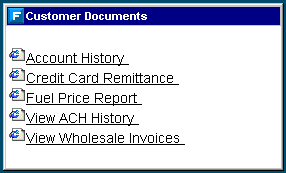
Use DataTrak's Document Group Maintenance function to create the Customer Documents document group. Click here for instructions on creating document groups.