System Parameter 16000 identifies the path that DataTrak should use for drill down reporting. This path can contain only Retail Profit Centers; these are profit centers that are set to a profit center type of "R" in the Profit Center master record.
System parameters are set in the home office ExecuTrak system. Follow these steps to set the system parameter.
Logon to ExecuTrak for Windows.
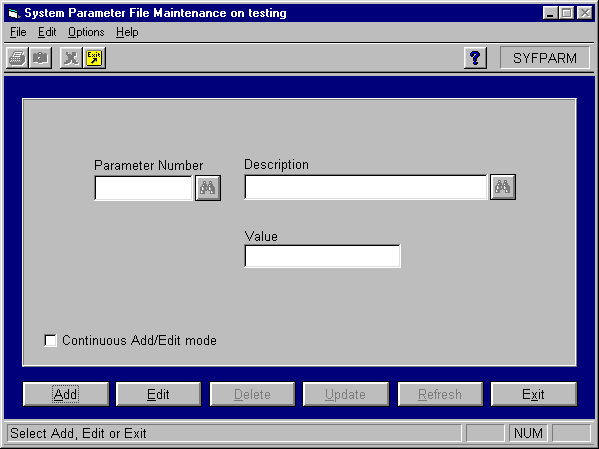
Select System Management >> File Maintenance >> System Parameters. The system displays the following screen:
Enter the following
information in the form to setup the parameter:
Parameter Number: 16000
Description: Management
Report Path
Value: [path code]
Click the Update button to save the parameter.